You suddenly found out that the Overview panel and Reports are displaying erroneous results or data that doesn't correspond with what you have entered. This problem is rather rare but use to be the consequence of a corrupt index.
iCash documents are database files made of indexed tables and fields. A database index is similar to an index for an instruction manual or a book. When you want to locate something in a book it isn't necessary to read the entire book from cover-to-cover every time you want to find a specific piece of information. Instead, you just look in the index and go to the page that contains the information you’re looking for.
A database index is a special piece of information that functions in much the same way. When you perform a lookup of an account or a transaction by name, date, transaction type, and so on, iCash searches the index file for Name or Date, and then displays the results. iCash finds these lookups in just a fraction of a second because the database index file contains pointers that point to the location of the records in the database. This is why it's so much faster, to search an index than to have iCash search the entire database one record at a time.
However if that index is corrupt, it may point to the wrong records affecting directly the calculations.
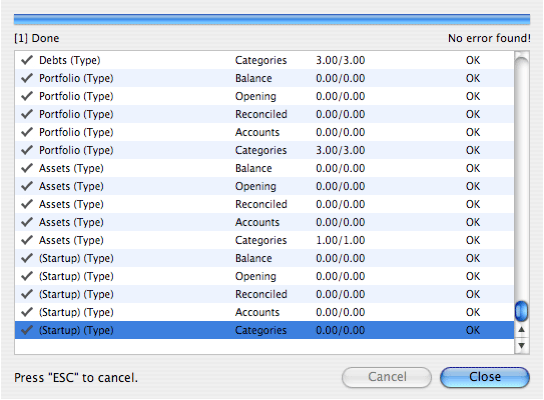
iCash is secure and accurate storing your data and generating reports however a data accuracy checker has been included so you can re-index all the database table and re-calculate all balances using every single transaction. This system allows you to fix any inaccurate calculation or indexing issues. Just launch the data accuracy checker from the 'File | Tools | Check Data'... menu.



 Maxprog ® by Stan Busk - © 2001-2026 Maxprog LLC. All Rights reserved
 the re-indexation of the whole iCash document.


