This error means you have no undelivered recipients in your list or no recipients at all. In the case you do have recipients, press the 'Reset' button to set all your recipients back to the undelivered status.
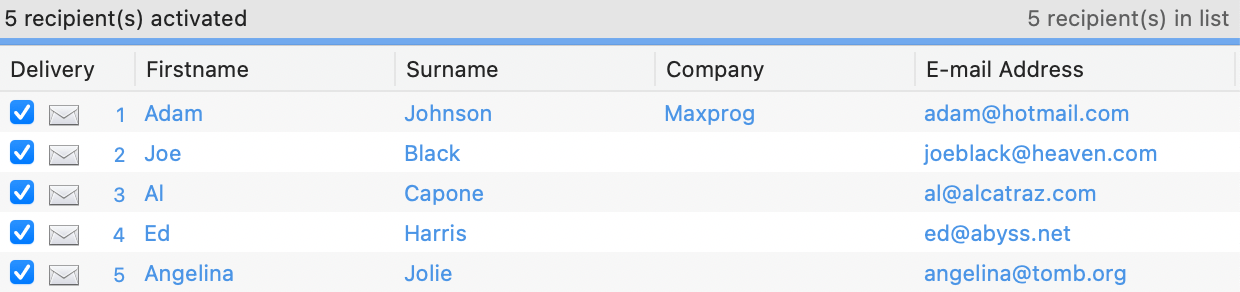
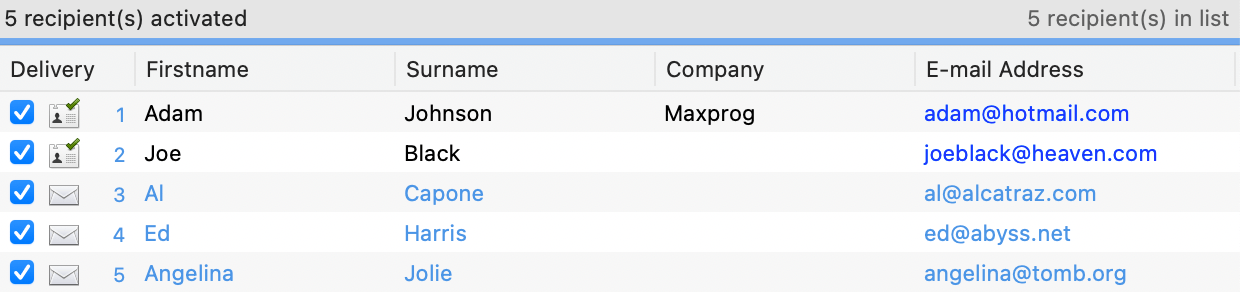
Delivered recipients are identified with a paper plane icon. When you perform a delivery, MaxBulk Mailer keeps track of which recipients are being sent to prevent you sending to them again by error. A sent recipient gets a paper plane icon. An unsent recipient has a card icon. This delivery status is saved with your documents so you can cancel a delivery, save and close and resume next day. To send to the whole list again you have to press the 'Reset' button. Note that you don't need to press the 'Reset' button if you select a list from the list pull-down menu.
Undelivered recipients are identified with a card icon. Once delivered that icon changed to a paper plane.





 Maxprog ® by Stan Busk - © 2001-2026 Maxprog LLC. All Rights reserved