When you download a site, Web Dumper creates a new folder with the name of that site, creates all the folder hierarchy to match the initial URL and then downloads and saves the first page as 'index.html'.
You can look at the original URL and go to the related folder manually, you will then find the 'index.html' file. Just double-click on it to load the site first page.
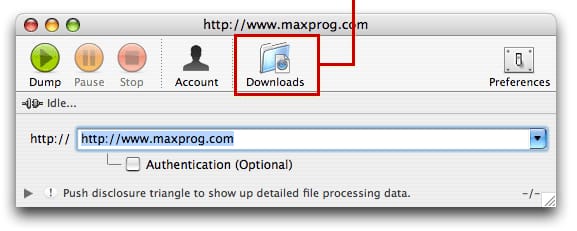
With current Web Dumper version it is even easier. We have added a 'Downloads' button right in the window toolbar that will take you to the right place as soon as you click on it.



 Maxprog ® by Stan Busk - © 2001-2026 Maxprog LLC. All Rights reserved