
|
Maxprog SupportKnowledge Base |
How to extract Contacts from Outlook Mac (OLM File) |
Topics | |
|
Question: I would like to extract all contact info from my outlook inbox on my Mac. I switch to legacy outlook and see an option to export a years email to an ’olm’ file. Is that something your software can ingest and process?
|
|
|
Answer: Hi Steve,
Recommended workflowOption 1 – Best for extracting contact info from emails 1. Export your Outlook mailbox to an OLM file (as you mentioned). 2. Use a converter to turn the OLM file into MBOX or EML format. Tools like Emailchemy or Aid4Mail can do this reliably. 3. Open the converted files with Maxprog eMail Extractor to extract email addresses and contact information from the messages. This method is ideal if you want to pull contact data from actual email conversations. Option 2 – If you only need your Outlook Contacts (address book) Outlook can export contacts directly: - Go to File → Export - Choose Contacts to CSV or vCard That avoids the need for conversion and may be faster if you don’t need addresses from emails themselves. Which method should you use? - If you want everyone you’ve ever emailed → use OLM → MBOX/EML → eMail Extractor - If you only want your saved address book contacts → export directly from Outlook If you tell me roughly how many emails you’re working with (size of the OLM file), I can suggest the most efficient setup. Kind regards, Stan 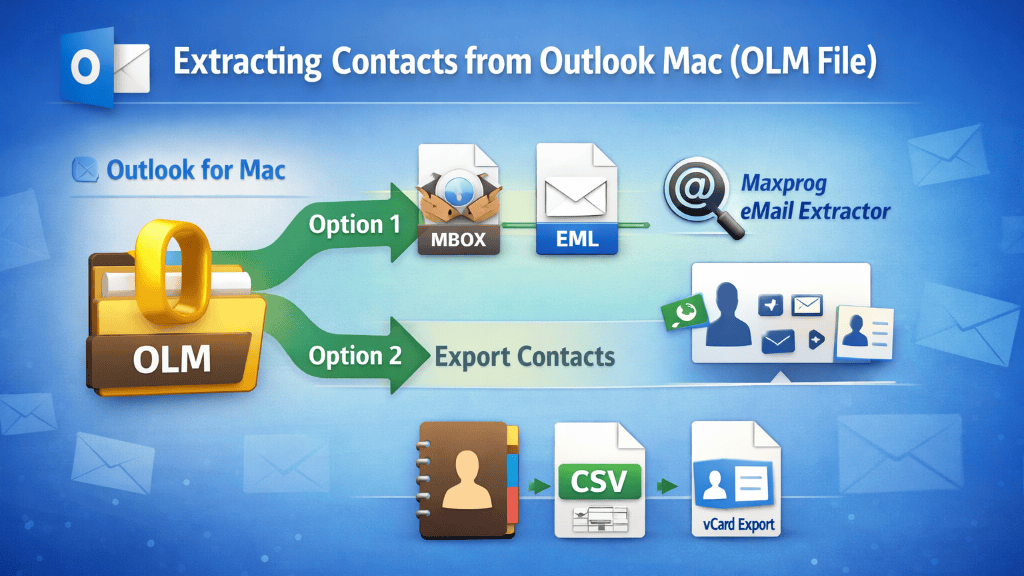 |
|




Last videos |
|
Ask your questions here |
