Home Products Downloads News Store Support

Maxprog Logo  

Maxprog Support

Knowledge Base

Email Bounce Handler no longer works with Gmail

Topics

Question: Hello,

I have used the email bounce handler for 3-4 years with no problems, but now it no longer works with Gmail.

Is this due to a new policy by Gmail that requires login with a browser for security purposes?

The software says "bad command - syntax error"

Do you have a solution for this issue?

Thanks,
Tyler

Answer: If you get a 534-5.7.14 error saying that you have to "log in via your web browser" or you get a password error just visit this page and turn off the double security option or simply create a password for eMail Bounce Handler as explained here.

Indeed you can create a specific password for eMail Bounce Handler here. By doing so you will be able to continue working with Gmail as usual.

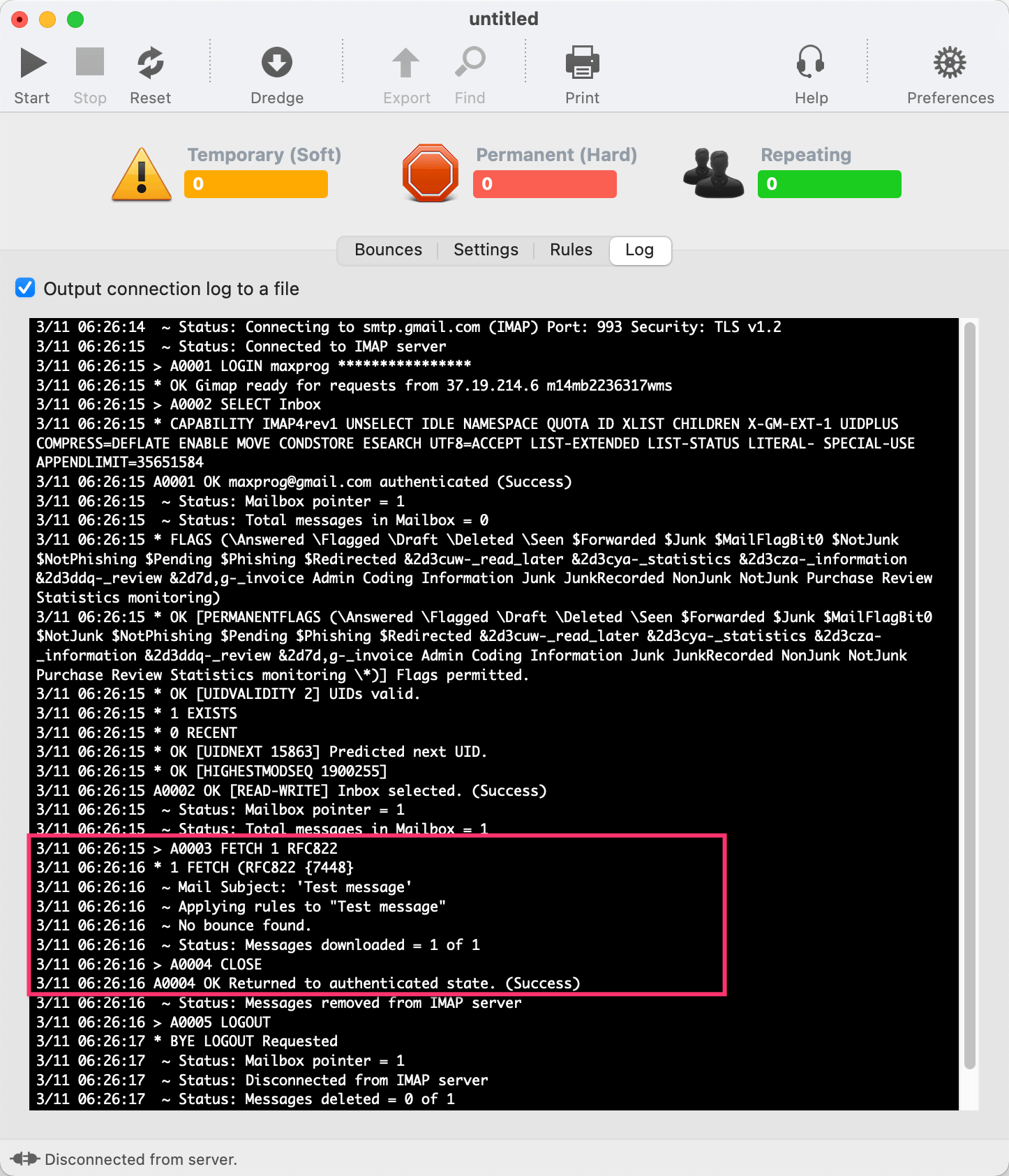
Email Bounce Handler works with Gmail

 Recent questions from our Bounce Handler users

  Email Bounce Handler no longer works with Gmail Screenshot
  How to get started with eMail Bounce Handler YouTube Video
  How to handle bounced emails from Outlook Screenshot
  Scanning a subfolder rather than the entire inbox
  Stalled - Infinite Loop
  The application is crashing
  Using eMail Bounce Handler
  Missing a lot of messages and labels in Italian

 Last videos

🔐 Secured by Sectigo SSL | UptimeRobot - Site Loaded properly