
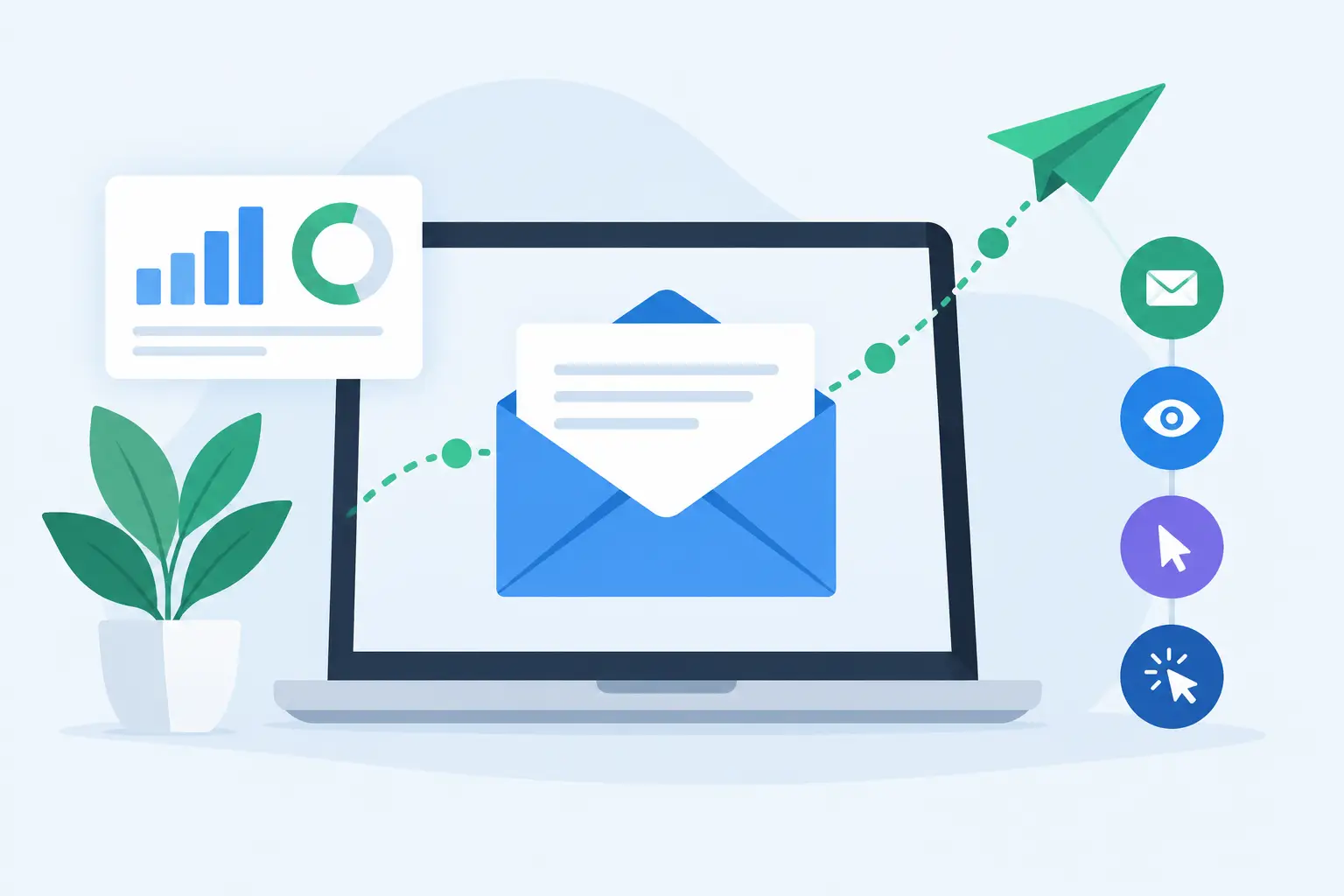
A newsletter goes out to 5,000 contacts. Two days later, the question is not simply whether it was sent. Which recipients opened it? Which offer drew attention? Did a broken link stop people from reaching the page? And which addresses should no longer receive future mail?
Email tracking explained in practical terms means turning those questions into usable campaign data. For small businesses, nonprofits, sales teams, and PR professionals, tracking helps replace guesswork with a clear view of what happened after delivery. It can improve the next message, but only when the numbers are read with the right expectations.
What email tracking measures
Most email campaign tools report activity in four main areas: delivery, opens, clicks, and bounces. Together, these measurements show the path from sending a message to receiving a response.
Delivery indicates that a receiving mail server accepted the message. It does not guarantee that the email reached an inbox, was read, or avoided a spam folder. Still, a strong delivery rate is the first sign that a contact list and sending setup are in good condition.
Open tracking estimates how many recipients displayed a tracking image within an HTML email. The software adds a tiny, invisible image to the message. When an email app loads that image, it records an open. This can show whether a subject line, sender name, and timing encouraged attention.
Click tracking records when a recipient selects a link in the email. Campaign software routes the click through a tracking address before sending the reader to the intended page. This makes clicks especially useful for newsletters, promotions, event invitations, price lists, and product announcements. An open suggests interest. A click shows a more deliberate action.
Bounce tracking identifies messages that could not be delivered. A hard bounce usually means an address is invalid, nonexistent, or unavailable permanently. A soft bounce often signals a temporary problem, such as a full mailbox or a receiving server that is unavailable. These categories should not be treated the same way.
How email tracking works behind the scenes
Tracking begins when you prepare a campaign. The message is normally sent as HTML, since plain-text email cannot load an invisible image for open tracking. Links can be converted into trackable versions so the software can record each selection and still take recipients to the correct destination.
After sending, the campaign report gathers activity as recipients interact with the email. Results may appear quickly, but engagement can continue for days or weeks. A press release may receive most of its attention on the first business day, while a seasonal offer can produce later clicks as customers return to their inboxes.
The recipient does not need to fill out a form for basic email tracking to work. However, recipients can limit the data available by blocking images, using privacy features, or reading mail through services that preload images. That is why tracking is useful evidence, not perfect surveillance.
Why open rates are less exact than they look
Open rates have always been estimates, and privacy protections have made them less precise. Some email services automatically load images, which can register an open even when the recipient did not read the message. Other recipients block images, so a genuine reader may not appear as an open.
Use opens to compare similar campaigns rather than to make a final judgment about a single person. For example, if one subject line produces substantially more reported opens than another message sent to a similar audience, it is a helpful signal. It is not proof that every recorded recipient read every word.
Clicks, replies, purchases, registrations, and direct inquiries are usually stronger measures of meaningful engagement. The best metric depends on the purpose of the campaign.
Set up tracking before you send
Good reporting starts before the first message leaves your computer. Import a clean contact list, remove duplicates, and verify addresses when possible. Sending repeatedly to invalid addresses can increase bounces and make campaign results harder to interpret.
Next, define one primary action for the email. A newsletter may aim to bring readers to an article. A sales email may promote a quote request. A nonprofit announcement may ask supporters to register for an event. When every message has one clear goal, click reports become much more useful.
Use descriptive link labels and avoid sending several different links to the same destination unless you need to test placement. If a campaign includes a button, a text link, and an image link, separate tracking can show which presentation earned the response. Too many choices, however, can dilute attention. For many routine campaigns, one main call to action and one supporting option are enough.
Before sending at scale, send a test message to yourself and colleagues. Confirm that personalization fields display correctly, links open the intended pages, and the layout works on desktop and mobile devices. A tracked link is only valuable if the destination page is relevant and functional.
Desktop mailing software such as MaxBulk Mailer can keep this process in one workflow: prepare contacts, personalize the email, preview it, send according to server limits, and review campaign activity afterward. The practical benefit is control over the list and the sending process without adding unnecessary complexity.
Reading a campaign report without chasing vanity metrics
A campaign report can contain many numbers. Start with the sequence that matters: delivered messages, opens, unique clicks, bounces, and the action that followed the click.
Look at unique clicks rather than only total clicks when you want to know how many individual recipients responded. Total clicks can be useful too, particularly when someone returns to a link several times, but it can make a small group of highly interested readers look like a broad response.
Compare results against your own previous campaigns. Industry averages can provide general context, but they cannot account for your audience, list age, message frequency, offer, or relationship with recipients. A local service business sending appointment reminders should not expect the same engagement pattern as a retailer sending a weekend promotion.
Segment results whenever possible. Customers, prospects, media contacts, volunteers, and inactive subscribers often respond differently. A lower overall click rate may hide a highly responsive segment. Sending a relevant message to 500 interested recipients is usually more valuable than sending a generic message to 5,000 people.
Watch bounces and unsubscribes closely
Hard bounces require prompt attention. Remove or suppress those addresses rather than sending to them again. Soft bounces deserve monitoring. If an address repeatedly soft-bounces across multiple campaigns, it may need to be paused or removed.
Unsubscribes are also useful feedback. They are not automatically a sign of failure. A clear, working unsubscribe option is part of respectful email communication and helps keep the remaining list interested. A sudden rise in opt-outs can indicate that messages are too frequent, poorly targeted, or different from what recipients expected when they signed up.
Turn tracking into better follow-up
The most useful tracking happens after the report is open. If a recipient clicked a pricing link but did not contact your team, a sales representative can follow up with relevant information. If a segment opened an event invitation but did not register, send a short reminder before the deadline. If a group did not engage at all, consider a different subject line, a different offer, or less frequent messages.
Do not resend every campaign to every non-opener. Because open data is imperfect, that approach can annoy people who already read the email. A better option is to resend only high-value messages to a carefully selected segment, with a changed subject line and enough time between sends.
Tracking also helps improve message design. If readers open but do not click, the email may need a clearer benefit, a more visible call to action, or fewer competing links. If click rates are healthy but the destination page does not convert, the problem may be on the website rather than in the email itself. The report helps locate the point where interest drops off.
Use tracking responsibly
Email tracking should support useful communication, not intrusive monitoring. Tell subscribers how you use their information in your privacy policy, honor opt-out requests quickly, and collect only the data needed to manage campaigns and customer relationships.
Avoid treating open data as a reason to pressure individual recipients. For a broad customer list, aggregate patterns are often more useful and more respectful. For a small sales list, personal follow-up should be based on genuine relevance, not on the assumption that one tracked open means someone is ready to buy.
The best campaigns earn attention by being timely, clear, and useful. Tracking gives you the feedback to make the next send more relevant - and that is where the real value begins.



Ask your questions here |
