
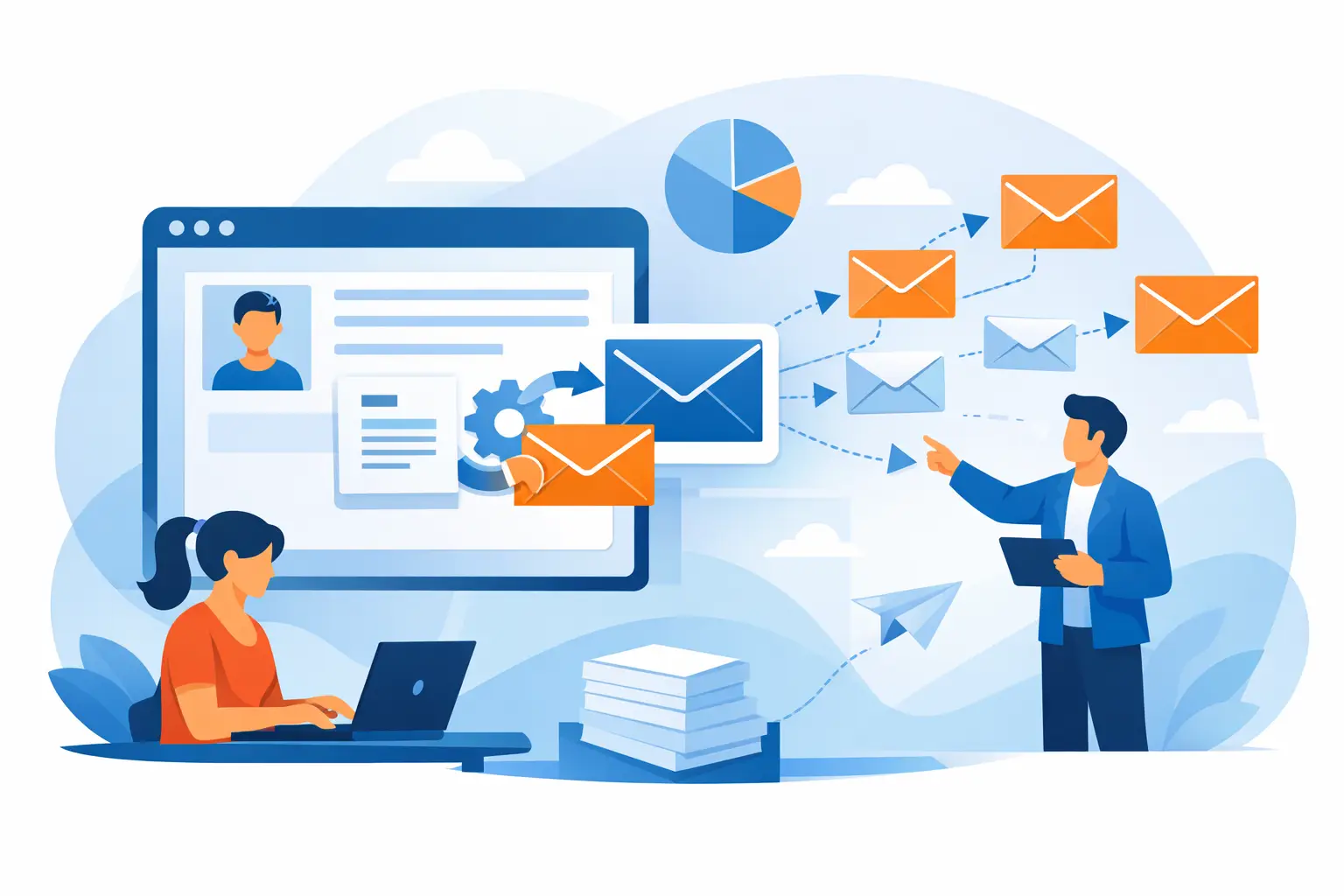
A generic greeting can make a useful message feel like an advertisement. Mail merge solves that problem by combining one email template with the contact details already stored in your list. Instead of writing hundreds of separate messages, you can send a campaign that addresses each recipient by name, refers to the right company or offer, and still remains manageable from one place.
For a small business, nonprofit, sales team, or PR professional, this is more than a convenience. It is a practical way to keep recurring communications personal without adding hours of manual work. The results depend less on clever wording than on a clean contact list, well-chosen fields, careful testing, and sensible delivery settings.
What Mail Merge Does for Bulk Email
A mail merge takes values from contact-record columns and inserts them into matching locations in your message. Your list might contain fields such as first name, last name, email address, company, city, customer type, renewal date, or assigned representative. The email template contains placeholders for those fields.
When the campaign is prepared, the software creates an individual version for every recipient. One subscriber might receive a greeting using their first name and a local event date. Another might receive the same core announcement with a different offer based on their customer group. You maintain one template while the details change where they should.
This approach is especially useful for newsletters, product updates, price lists, appointment reminders, fundraising appeals, press releases, and follow-up messages. It also reduces the risk of copy-and-paste errors that occur when teams try to personalize emails by hand.
Mail merge is not a substitute for relevant communication. Adding a first name to an unrelated promotion will not make it valuable. The strongest campaigns combine personalization with a clear reason that this group of people should receive this particular message.
Start With a Contact List You Can Trust
The contact list is the working foundation of every merge. Before writing the email, review the source file or database. Make sure each column has a clear purpose and that the email-address column is consistently formatted. A field called First Name should contain first names, not full names in some rows and company names in others.
Duplicate contacts deserve attention as well. Sending the same person two versions of the same campaign looks careless and can increase complaints or unsubscribe requests. Remove duplicates before sending, and suppress contacts who have opted out, bounced repeatedly, or should no longer receive that type of communication.
Email verification can help identify invalid or risky addresses before a large send. This protects your sending reputation and avoids wasting time on contacts that cannot receive the message. It is also wise to work from permission-based lists. A mail merge makes sending faster, but it does not change the need to respect consent, unsubscribe requests, and applicable email rules.
Build fields around useful decisions
Do not collect data simply because a spreadsheet can hold it. Use fields that support a real communication decision. A retailer may need purchase category and preferred location. A consultant may need client status and renewal month. A nonprofit may need donor history, volunteer interest, or event region.
Keep the number of fields realistic. More data can create more opportunities for personalization, but it also creates more maintenance. A short, accurate list with first name, email, segment, and a relevant customer detail is often more useful than a large database full of outdated columns.
Write One Message That Still Feels Personal
Start with the message every recipient needs to receive. Put the main announcement, offer, or request in plain language near the top. Then use merge fields where a personal detail improves clarity or relevance.
A greeting is the most familiar example, but it is not the only one. You can refer to a recipient's company in a business update, show the appropriate account contact, or tailor a call to action based on location. The field should earn its place. If removing it does not change the usefulness of the email, leave it out.
Plan for incomplete information. Not every record will have a first name, company, or other optional value. A template that produces Hello, , is worse than a neutral greeting. Depending on your software and data, create a fallback value, use a general greeting for records with missing data, or segment those contacts into a separate version of the campaign.
Keep the subject line honest and readable. Personalizing it can work when the information is genuinely relevant, but too much detail can feel intrusive. A message about a local workshop may reasonably include a city. A subject line that exposes account details or personal data is a poor choice, particularly on shared devices and mobile lock screens.
Preview the Merge Before You Send
The most common mail merge mistakes are visible before delivery. A misspelled field name can leave a placeholder in the final email. A column mapped to the wrong field can greet a recipient by their company name. An empty value can leave a broken sentence or a stray space.
Preview the template using several representative contacts: one with complete information, one with missing optional fields, and one from each major segment. Read each version as a recipient would. Check the subject line, greeting, body text, links or buttons if used, signature, and unsubscribe information.
Send test messages to yourself and colleagues before scheduling the campaign. Open them on both desktop and mobile devices, and review the plain-text version if you provide one. HTML layout may look correct in an editor but behave differently in email applications. Tests also confirm that the sender name and reply address are appropriate for real responses.
A practical delivery tool such as MaxBulk Mailer can help you import contacts, map fields, personalize messages, preview results, and send campaigns while managing server thresholds. The goal is not to make the process complicated. It is to put useful checks in place before a large campaign is already in inboxes.
Send in a Way That Protects Delivery
A carefully merged email still needs responsible delivery. If you are sending to a large list, avoid pushing thousands of messages through a mail server without considering its limits. Sending too quickly can trigger throttling, temporary blocks, or delivery problems, especially with a new sending setup.
Use delivery controls that match your server and list size. Scheduling, pauses between messages, and limits per connection can help maintain a steadier sending pattern. The right settings depend on your provider, account history, and audience size, so there is no single number that fits every sender.
Segmentation also helps here. Rather than sending one broad message to every contact, create smaller campaigns for meaningful groups. Customers, prospects, media contacts, volunteers, and inactive subscribers may all need different messages. Smaller segments are easier to review, easier to measure, and more likely to be relevant.
After delivery, review engagement results alongside bounce and unsubscribe activity. Opens and clicks can show whether the subject line and content drew attention, but they are not the full story. Replies, conversions, registrations, sales inquiries, and reduced support questions may be more useful measures depending on the campaign's purpose.
Mail Merge Checklist Before Launch
Before sending, confirm these five points:
- The list contains permission-based contacts, valid email addresses, and no unnecessary duplicates.
- Each merge field is mapped to the correct contact-data column.
- Missing values have a fallback or are handled through a separate segment.
- Test messages have been reviewed on desktop and mobile email applications.
- Sending speed, unsubscribe handling, and reply details are set before the campaign is scheduled.
These checks take far less time than correcting a message after it reaches hundreds or thousands of recipients.
Use Personalization With Restraint
The best mail merge campaigns do not try to prove how much data the sender has. They use a few accurate details to make the message easier to understand and act on. A first name, relevant offer, local event, or account-specific next step can be enough.
If a personalized field feels surprising, overly specific, or unnecessary, reconsider it. Recipients appreciate useful communication, not a demonstration of database depth. Keep your data current, test every merge, and let each message give the reader a clear reason to respond.



Last videos |
|
Ask your questions here |
