
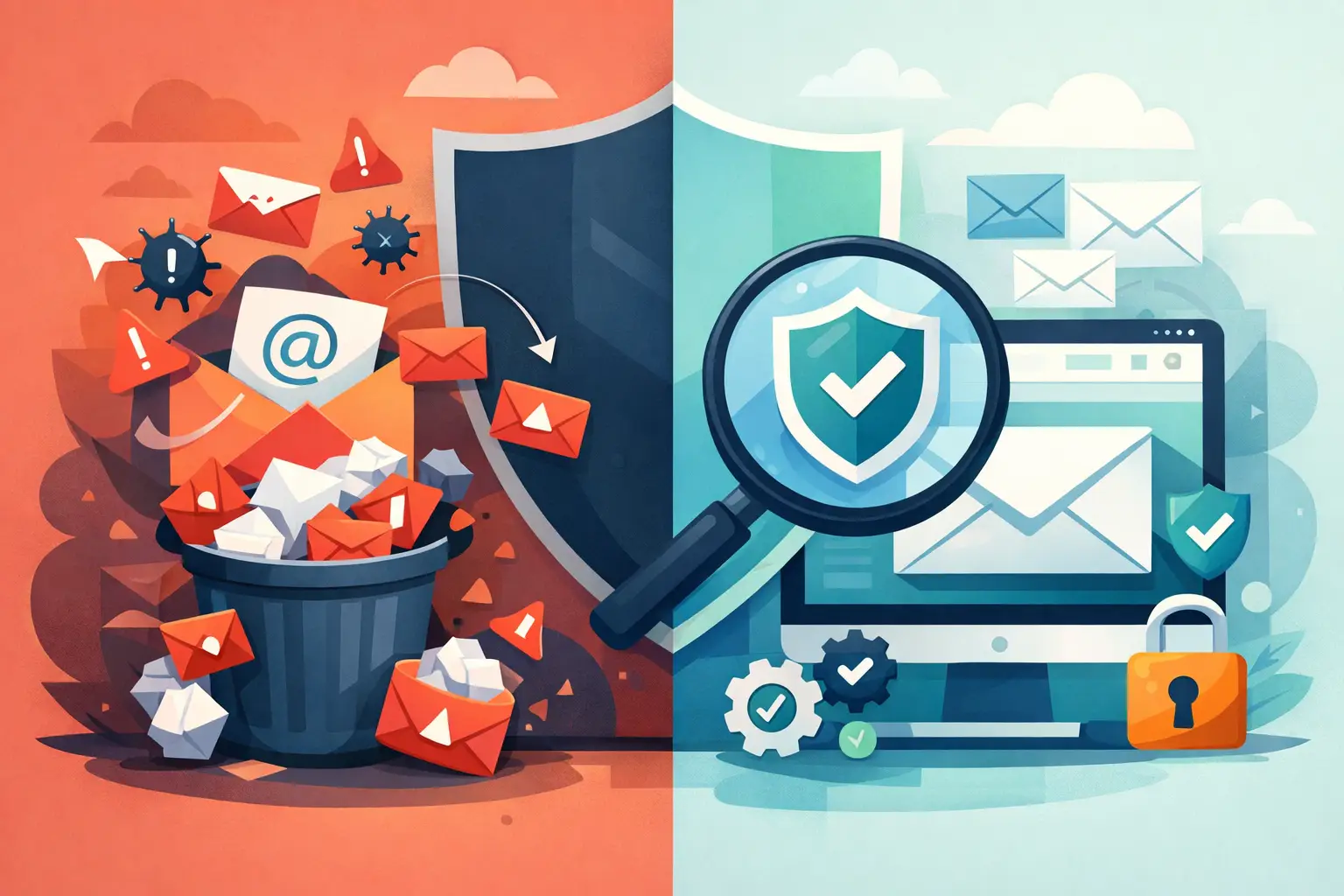
A campaign can look perfect in the preview window, send without errors, and still produce disappointing opens because recipients never see it in their inbox. Understanding why emails go to spam is less about finding one mistake and more about managing the signals mailbox providers use to protect their users.
Gmail, Outlook, Yahoo, and business mail servers evaluate the sender, the message, and the recipient response. A good subject line cannot compensate for an unverified sending domain, an outdated contact list, or a sudden burst of mail from an account with little sending history. The practical goal is not to defeat spam filters. It is to send wanted, properly identified email in a controlled way.
Why emails go to spam: the main signals
Spam filtering is a scoring process. No provider publishes every detail, and the exact weighting changes over time, but the same areas repeatedly matter: sender identity, list quality, sending behavior, content, and engagement.
Your sending identity cannot be verified
Email authentication tells receiving servers that your message is allowed to use the domain in the From address. The three common standards are SPF, DKIM, and DMARC.
SPF identifies which servers can send email for your domain. DKIM adds a signed header that helps prove the message was not changed in transit. DMARC ties those checks to the visible From domain and tells receiving servers what to do when authentication fails.
Without proper alignment, a message may look suspicious even when it comes from a legitimate business. This is especially common when a company sends through an SMTP server or third-party service but has not updated its domain DNS records. Authentication does not guarantee inbox placement, but it is foundational. Fix it before adjusting subject lines or templates.
The contact list contains weak or unwanted addresses
A clean list is one of the strongest deliverability assets a business has. Invalid addresses create bounces. Old addresses may have been reassigned to people who never requested your mail. Some inactive addresses become spam traps, which are used to identify senders with poor list practices.
Purchased, scraped, or loosely collected lists are particularly risky. Even if the addresses are technically valid, recipients may not recognize your company and may report the message as spam. A single campaign with a high complaint rate can hurt future delivery.
Use an email verifier before a large send, remove duplicates, and process bounce records after every campaign. Just as important, import contacts with clear permission and keep a record of how they subscribed. A smaller list of engaged recipients is usually more valuable than a large list that does not respond.
Your sending volume changes too quickly
Mailbox providers watch patterns. If a new domain or sending account delivers a few messages one day and tens of thousands the next, it resembles the behavior of a compromised account or bulk spammer.
This does not mean small businesses cannot send high-volume campaigns. It means volume should increase gradually, especially with a new domain, new SMTP account, or inactive mailing program. Begin with recent subscribers and customers who are most likely to open, click, or reply. Expand in measured batches as the sending reputation develops.
Also respect the limits set by your SMTP provider. Sending too fast can trigger temporary deferrals, throttling, or account review. Delivery controls in a desktop mailing application such as MaxBulk Mailer can help pace sends by applying server thresholds instead of releasing an entire list at once.
Recipients are not engaging with the messages
Providers observe what happens after delivery. Opens are less reliable than they once were because privacy features can affect open reporting, but deletes without reading, spam complaints, low engagement, and messages moved out of the inbox still provide useful reputation signals.
Engagement depends on relevance. A retailer sending product updates to every contact every week may see weaker results than one sending separate messages to recent buyers, lapsed customers, and people interested in a specific category. Segmenting by customer type, location, purchase history, or stated interests reduces unnecessary mail and makes each campaign more useful.
Give recipients a clear expectation at signup. If they joined for monthly price updates, do not unexpectedly send daily promotions. Consistency builds recognition, which lowers the chance that a recipient marks a legitimate message as spam.
The message looks risky or misleading
Content alone rarely causes a good sender to land in spam, but it can make an existing reputation problem worse. Filters look for patterns commonly associated with deceptive mail: misleading claims, mismatched links, excessive punctuation, image-only messages, hidden text, and attachments that are unusual for your audience.
Avoid trying to sound urgent when the offer is not urgent. Subject lines such as “RE: Action Required!!!” may gain a few curiosity opens, but they can damage trust and produce complaints. Use a recognizable sender name, a straightforward subject line, and copy that matches what the recipient signed up to receive.
HTML messages should also have a readable plain-text version. Test the layout in major email clients before sending, since broken formatting, oversized images, and hard-to-read mobile designs can cause recipients to delete the message quickly.
A practical way to diagnose spam placement
Do not change everything at once. When a campaign performs poorly, isolate the likely cause so the correction is clear.
Start by sending a test message to accounts at several providers, such as Gmail, Outlook, and a business domain. Check whether the message arrives, whether it lands in the inbox or spam folder, and whether the visible sender name and From address are correct. Review the message headers if possible to confirm SPF, DKIM, and DMARC pass.
Next, compare the campaign with prior sends. Did you use a new sending server? Did the list come from a new source? Did volume increase sharply? Was the message sent to contacts who have not heard from you in a year? Those operational changes are often more revealing than small wording differences in the email.
Then review the campaign results alongside bounce and complaint data. Hard bounces should be removed promptly. Repeated soft bounces deserve investigation because they can indicate a full mailbox, a temporary server issue, or a delivery problem. Suppress unsubscribed contacts immediately and make the unsubscribe option easy to find. A hidden or difficult opt-out link does not protect deliverability. It creates complaints.
How to improve inbox placement before the next send
Treat deliverability as part of campaign preparation, not as cleanup after a failed send. Build a repeatable process that begins with the list and ends with results review.
First, authenticate the sending domain and use a From address that matches it. Avoid sending customer newsletters from a free personal mailbox when your business has its own domain. Make sure replies go to a monitored address so recipients can ask questions or respond normally.
Second, send only to people who have a reasonable reason to hear from you. Confirm subscription sources, validate new imports, remove hard bounces, and use re-engagement campaigns for older contacts before returning them to the regular mailing schedule. If inactive subscribers do not respond, suppress them rather than repeatedly mailing them.
Third, segment before you compose. A press release belongs with journalists and industry contacts who requested company news. A price list belongs with customers or prospects who expect product information. A nonprofit event reminder belongs with supporters in the relevant area. Relevance improves engagement and reduces complaints at the same time.
Finally, use a consistent sending schedule and controlled volume. For a large campaign, test a smaller segment first. Confirm that the message renders correctly, links work, and early delivery results look normal. Then continue in batches at a pace your SMTP server supports.
Deliverability is earned one campaign at a time
Inbox placement is not a setting you switch on. It reflects whether mailbox providers and recipients see your mail as identifiable, expected, and useful. Keep your domain authenticated, your list clean, your message relevant, and your sending pace reasonable. Those routine checks give every campaign a better chance to arrive where it can do its job.



Ask your questions here |
