By default, MaxBulk Mailer will use the standard port numbers for access to corresponding internet services, 25 for SMTP and 110 for POP. But if you need to use a nonstandard port number, indicate it after the address of the server, separated by a colon. For example:
smtp.mail.net:587
pop.mail.net:111
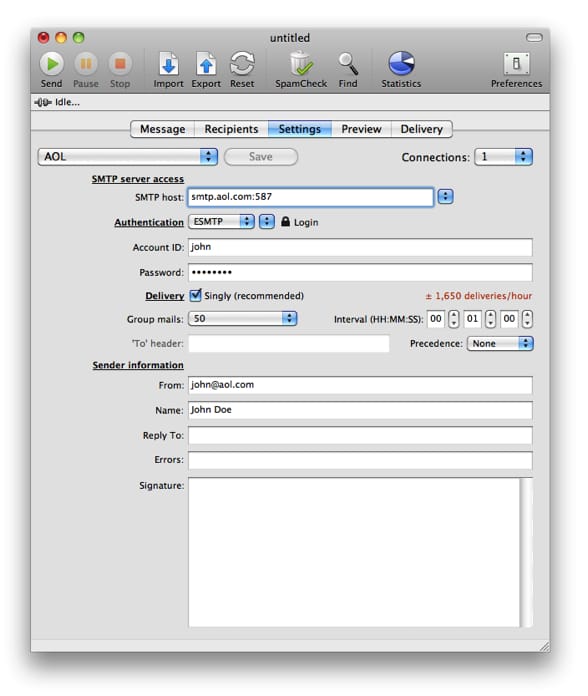
Note: As a precautionary measure to stop spam, some ISPs are no longer allowing outbound traffic on port 25. As a result, your ISP may have blocked port 25 on your account. Port 25 is the standard TCP port used to send e-mail via the SMTP protocol. Hopefully most SMTP servers offer their services through several ports. So, if MaxBulk Mailer can't connect to your server through default port 25 try to use port 587, 2525, 26, 3535 or 80. Note that current MaxBulk Mailer version will try to connect thru all those ports automatically one after the other, until it succeeds. That may take some additional time so it is recommended to provide the correct port number if you know it.



 Maxprog ® by Stan Busk - © 2001-2026 Maxprog LLC. All Rights reserved