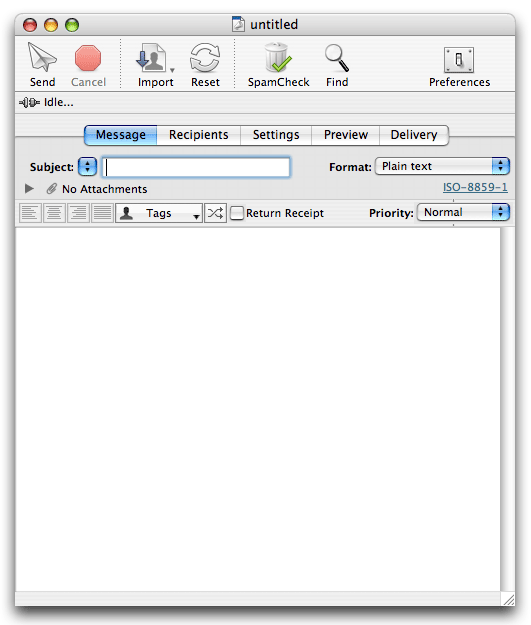
The Maxbulk Mailer document window is made of five tab panels labeled: Message, Recipients, Settings, Preview and Delivery.
In the process of creating a new email campaign you will very likely go through those panels in this same order:
1.- You start a new campaign by setting a subject and composing a message.
2.- You select a recipient list, create a new one or import recipients from a file.
3.- You select a mail account or create a new one by entering all the necessary settings.
4.- You preview your message to make sure it will show up properly to your recipients.
5.- You send out your message to your recipients and make sure everything is going well looking at the delivery panel.