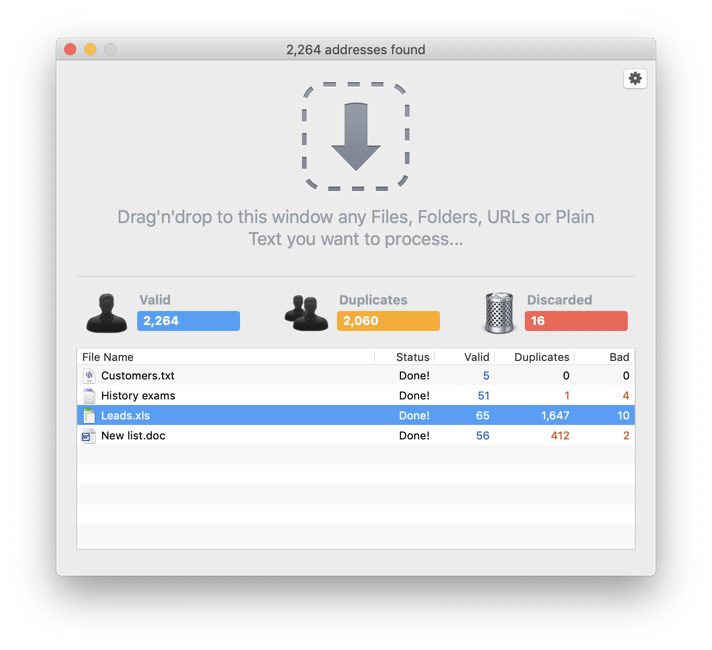
eMail Extractor is able to process Excel sheet files directly. It supports both the XLS and the XLSX formats. All you have to do is to drop your Excel file(s) to the eMail Extractor window. The extraction will start right away as soon as you tell eMail Extractor where the results have to be saved. The eMail Extractor window will show you the progress, how many valid addresses have been found, how many duplicates and how many addresses have been discarded.
Note for eMail Extractor v2 users: Old eMail Extractor v2 was designed to process plain text files only. As a result, eMail Extractor v2 is not able to process native Excel 'xls' files directly. In order to extract e-mail addresses from an Excel sheet with eMail Extractor v2, you have to save it as a plain text file first.



 Maxprog ® by Stan Busk - © 2001-2026 Maxprog LLC. All Rights reserved